


 Version
 Update Time
 Category
 Size
Size Download(3.49MB)
 1.8.2
1.8.2
 21.21MB
You will know where all the buses of your Transantiago and RED route are
*** New in version 2.1 ***
You can indicate if the bus is Network (Electric)
The results show the type of bus that goes to your whereabouts. This information is not stored in the application, and is completed with the contributions of all users.
***Description***
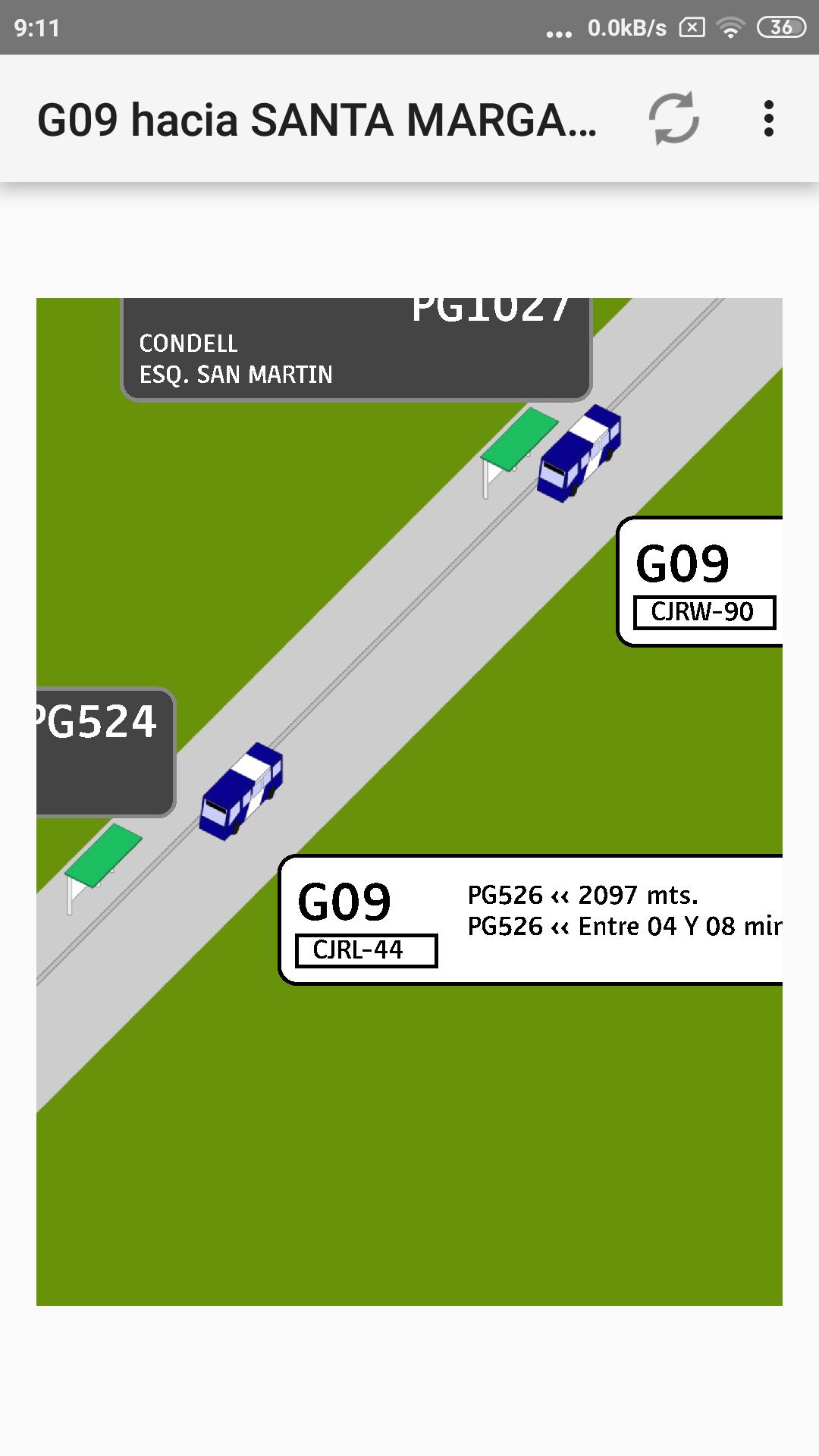
This application allows you to see the location of all buses on a route and the distances to which they are located. It also allows you to see the waiting time of the buses that approach your whereabouts.
It is especially useful at peak times, since it allows you to identify groups of buses that come to a bus stop, which helps to decide whether or not to take the bus that comes first in the group.
To be able to show the buses, the application calculates the distance between whereabouts, for this purpose it uses a learning algorithm with which it is improving and storing the distances between stops.
The more the application is used, the better the results obtained in distances and identified buses are better.
You can also check a particular whereabouts and see all the buses that go to the whereabouts, looking for all the routes that stop there.
Bus positioning information is obtained from the Transantiago Mobile Information Service (SIMT) developed by Wireless-IQ S.A.
*** Modes of Use ***
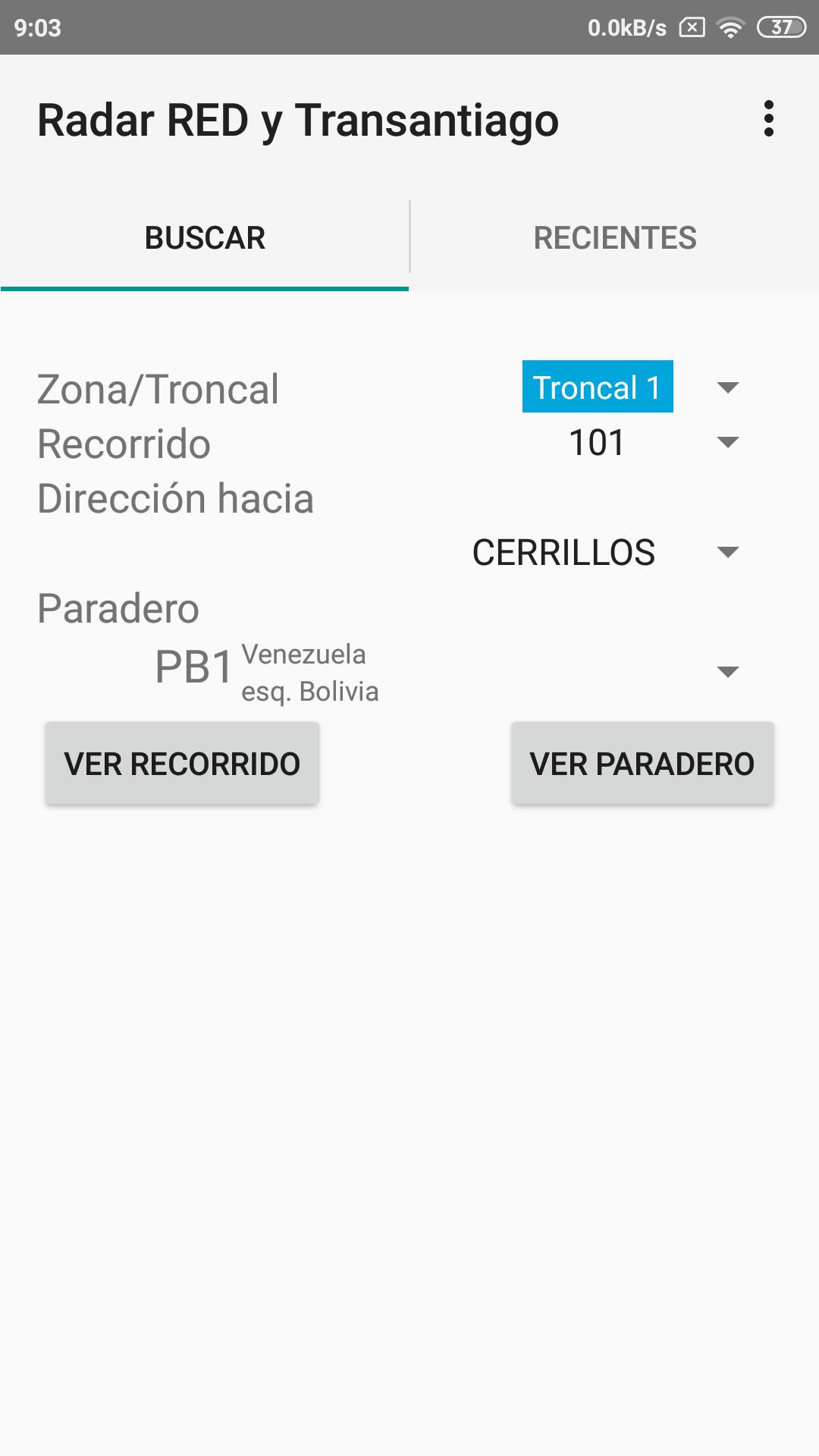
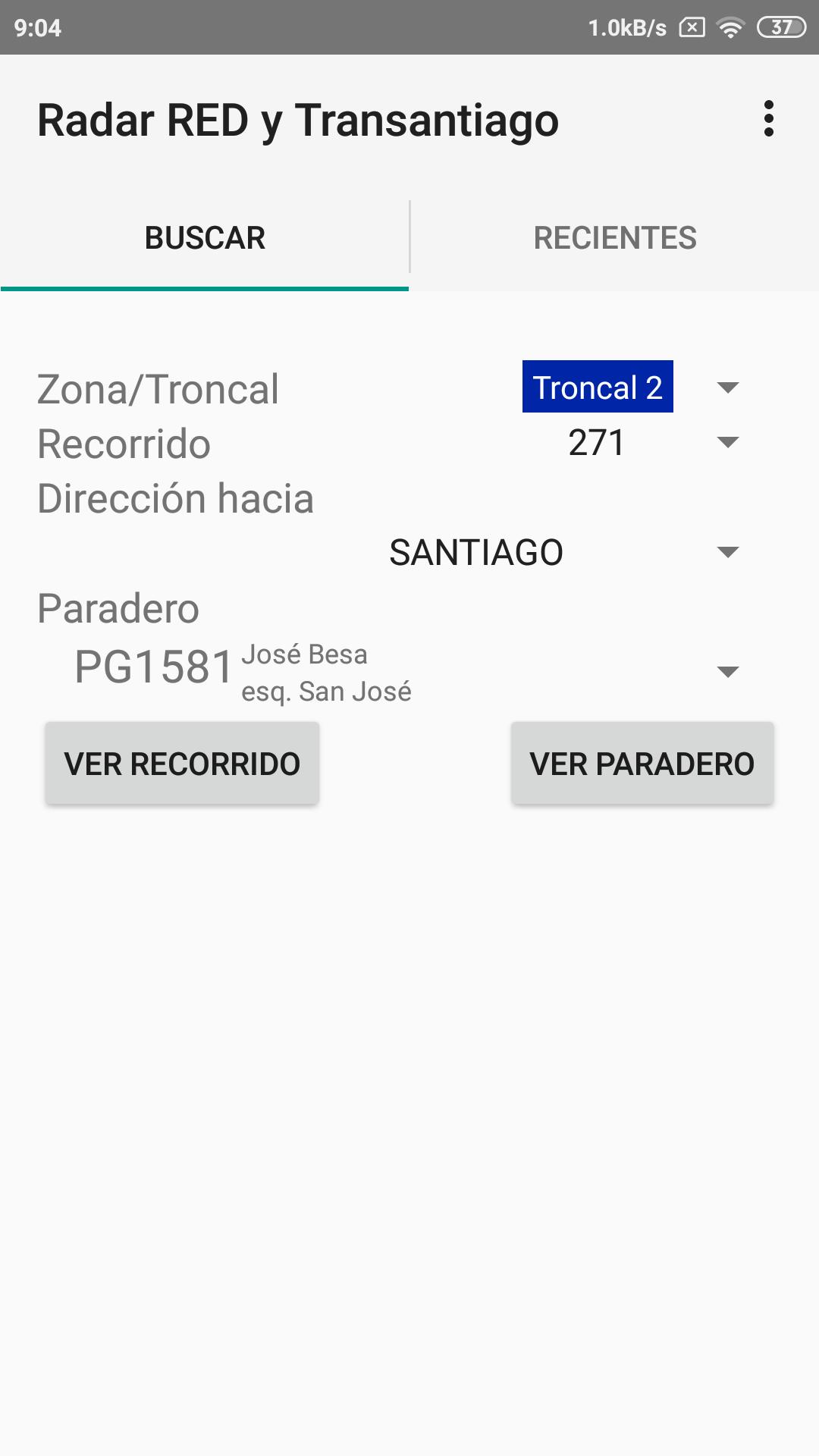
To search for buses on a route:
1.- Select the Zone (Local bus letter) or Troncal (First route number)
2.- Select the route by its code, for example, H15 or 504
3.- Select the direction the buses are going.
4.- Select the whereabouts to be reviewed, so that the view of the route is automatically centered on it.
5.- Press the "See Tour" button
To find the buses of a Bus Stop (from the main menu):
1.- Select the Zone (Local bus letter) or Troncal (First route number)
2.- Select the route by its code, for example, H15 or 504
3.- Select the direction the buses are going.
4.- Select the whereabouts to be reviewed.
5.- Press the "See whereabouts" button
To see the wait time:
1.- Search within the route map and click on the bus label
To update the buses in the route and whereabouts views, click on the "update" icon in the title bar.
*** Observations and suggestions ***
All comments and suggestions are welcome, use our contact email
 Users also viewed
See all
Users also viewed
See all
updated
updated
updated
updated
updated

updated
updated
updated
updated
updated

updated

updated
 Popular Games
See all
Popular Games
See all
updated

updated
updated

updated

updated

updated

updated

updated

updated

updated

updated

updated