

 Version
 Update Time
 Category
 Size
Size Download(781.86KB)
 1.0.2
1.0.2
 9.82MB
Enjoy millions of the latest Android apps, games, music, movies, TV, books, magazines & more. Anytime, anywhere, across your devices.
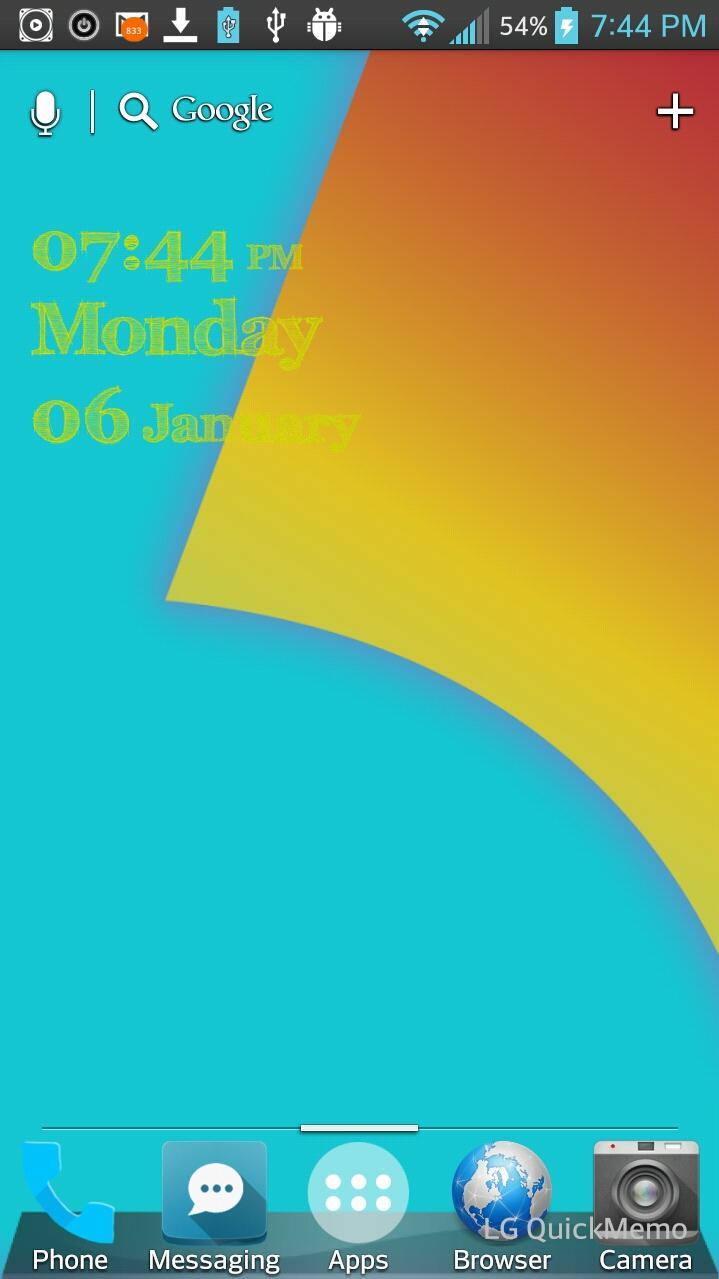
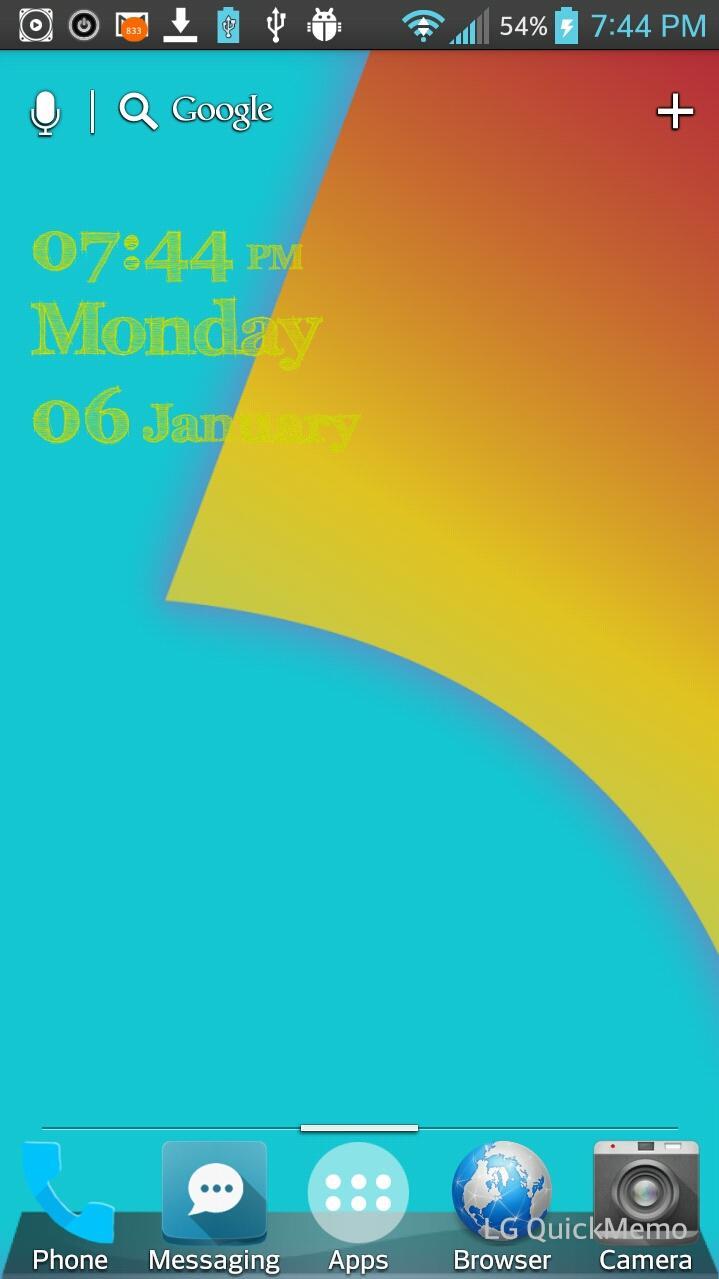
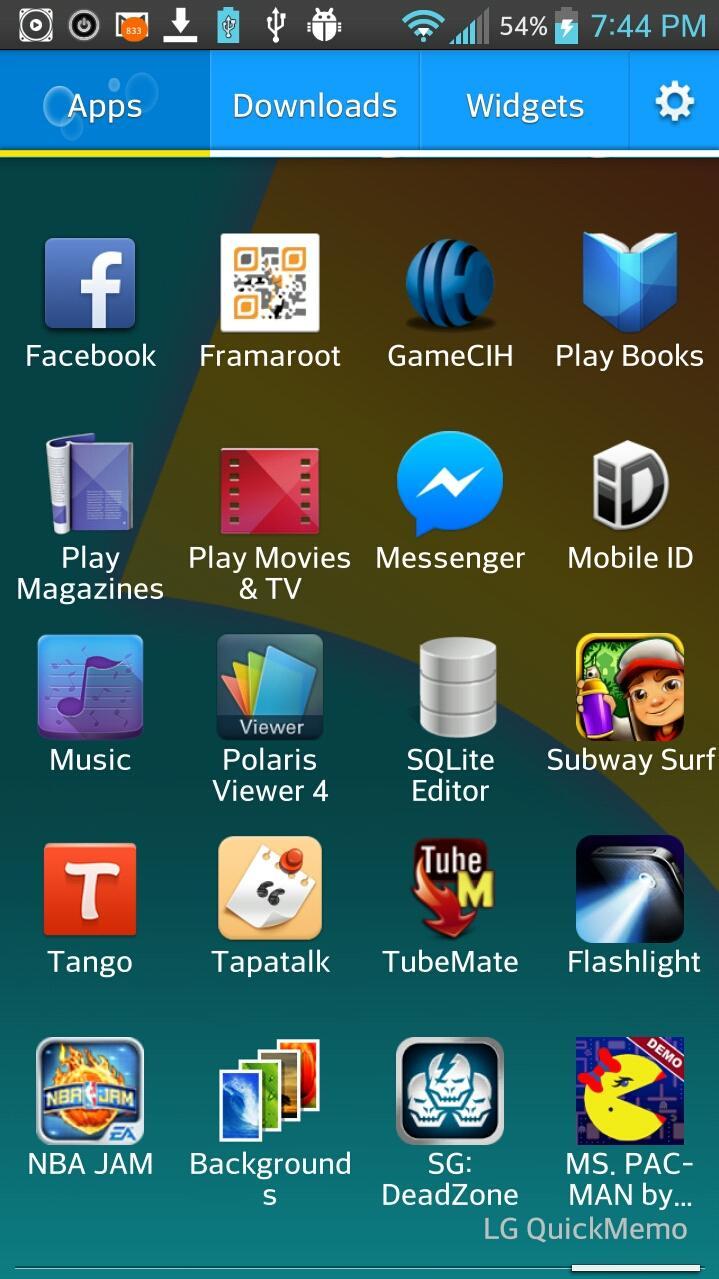
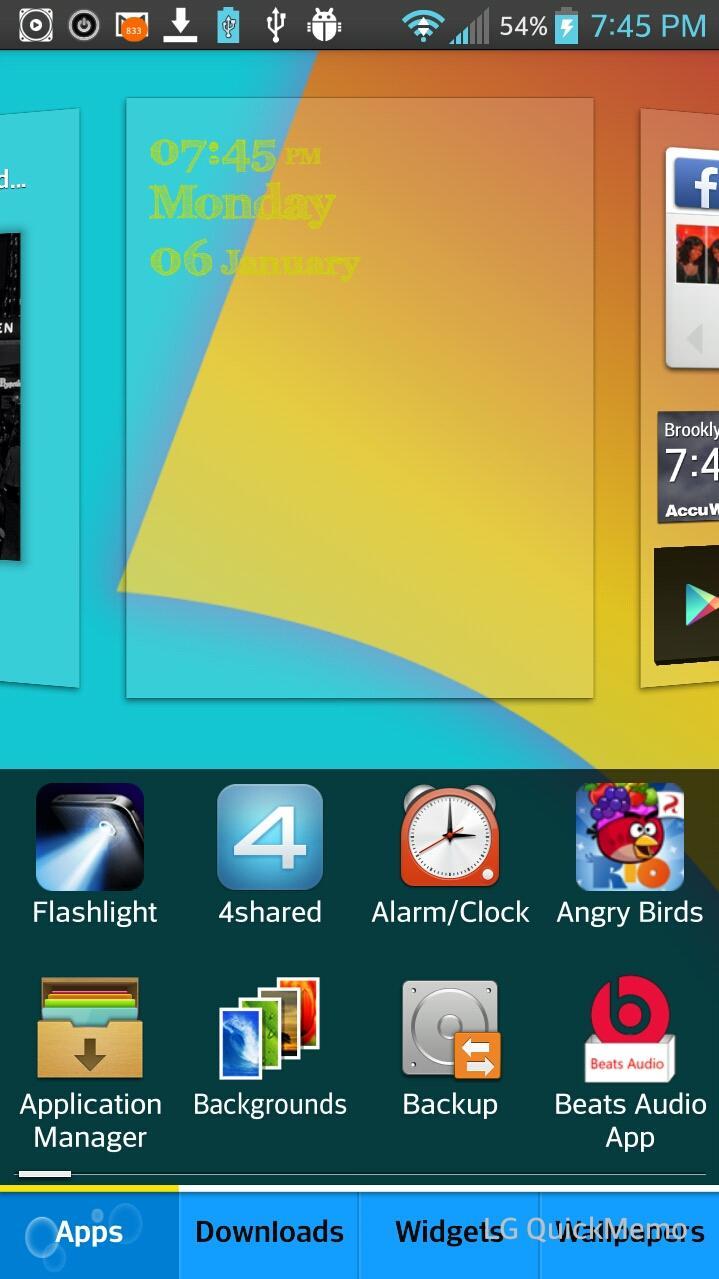
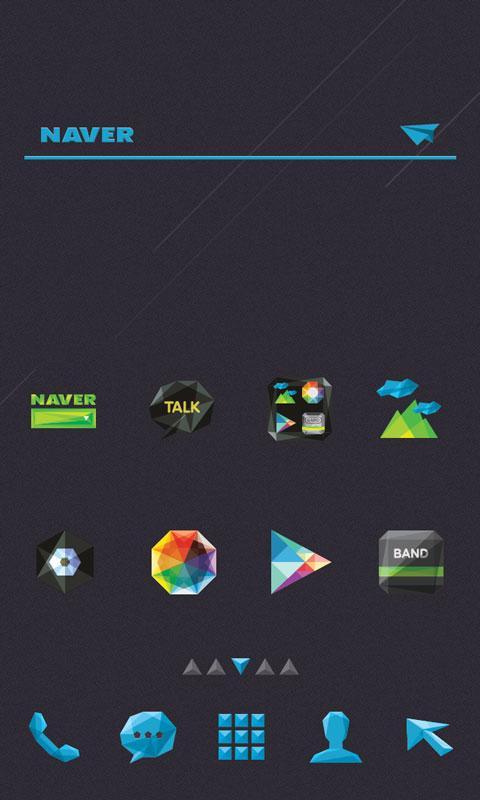
*~Optimus Prime Theme for the LG UI 3.0. Only LG phones will be able to apply this theme after install~*
Beautiful Icons, Color Scheme changes (blue) in App Drawer and Edit Menu
How to use theme:
1. Install app from app store
2. On your LG Phone go to your settings, then click on Theme. Choose Optimus Prime Theme then apply it.
Keywords: Kitkat, Jelly Bean, LGhome3, LGHome, LG, LGG2, Optimus, LG Home, Theme, Optimus G, LG G2, LG HOME, LGHOME, LGTHEME
 Users also viewed
See all
Users also viewed
See all
updated
updated
updated
updated

updated
updated
updated
updated
updated
updated
updated
updated
 Popular Games
See all
Popular Games
See all
updated
updated

updated

updated

updated

updated

updated
updated

updated
updated
updated
updated